Cheap vs Expensive Websites: What's the Real Difference?
Two websites can look similar and come with very different quotes. Learn what to compare beyond the headline price, and when a smaller budget is enough.
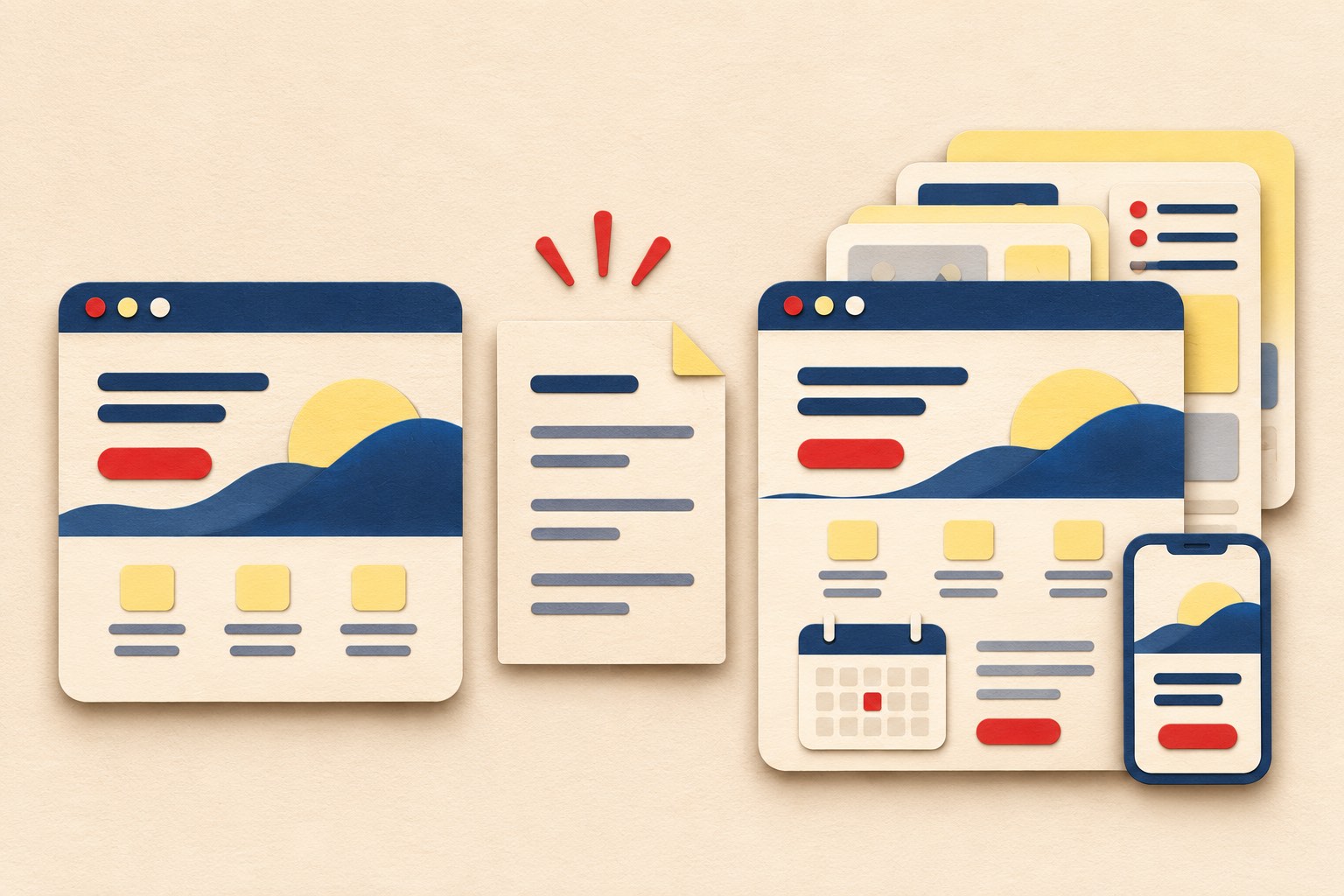
Cheap vs expensive websites is not simply a question of an unattractive website versus a beautiful one. Two proposals can show equally polished homepages while covering very different amounts of work. The real comparison is what your business needs, what is included and what happens after launch.
A higher price does not prove better quality. A lower price does not automatically mean poor work. A focused template-based website can be an excellent fit for a simple brief, while a bigger quote may be justified by complex content, integrations or a more involved delivery process. Here is how to tell the difference.
1. Check whether the quotes describe the same job
“A business website” is too broad to compare fairly. One quote might cover five pages in one language using content you provide. Another might include twelve pages, Thai and English content, editable articles and a booking connection. Those are not two prices for the same product.
Make a shared list of required pages, languages, forms and features. Ask each supplier to mark every item as included, optional or excluded. Confirm how many design reviews and rounds of changes are covered. Once the scope matches, the price difference becomes much easier to discuss.
2. Ask what happens before the design starts
A lean project may start from a proven layout and a clear brief supplied by the owner. That can save time without creating a problem. A more involved project may include interviews, content planning, navigation work and prototypes before the visual design is approved.
The useful question is whether those activities resolve a real uncertainty. If customers cannot understand your services or your team cannot explain the booking journey, planning has a practical purpose. If the project is a straightforward information page with approved content, an elaborate discovery phase may not be necessary.
Ask for the outputs, not just the process name: what decisions will be made, what will you review and what will the development team receive?
3. Look beyond the homepage screenshot
Templates and custom design can both produce a strong website. Neither label guarantees good mobile behaviour, accessible navigation or an easy enquiry journey. Inspect the working pages with realistic text and images, including long service names and both languages if needed.
Try the menu, read a service page and submit a test enquiry. Check what happens when a required field is empty. W3C's form notification guidance highlights understandable errors and confirmation when a task succeeds. These details are part of the customer experience, even when they do not appear in a sales mockup.
Ask how performance will be checked too. Google's Web Vitals guidance considers loading, responsiveness and visual stability. A score is useful evidence, but it does not prove that a form reaches the right inbox or that the website will generate sales.
4. Separate a visual feature from a working system
A booking button can link to an existing provider, send a request for manual confirmation or complete a reservation within the website. The same-looking button can therefore represent very different work. A larger quote may reflect account setup, data mapping, error handling and testing, not extra decoration.
Ask which part the supplier builds, which part comes from another service and which accounts or subscriptions you must maintain. Do the same for payments, product catalogues, property listings and customer-management tools. Get a demonstration of the important journey rather than relying only on a list of features.
5. Count the work you are expected to do
Some lower-cost packages keep their scope small by asking you to provide finished copy, approved photos and translations. That can be a sensible arrangement if your team has time and suitable material. It is not the same service as researching, writing, photographing and organising the content for you.
List who prepares each item and who uploads it. Include your own time, paid photography, translation and content migration when comparing the total commitment. A bigger project fee can still leave work on your side, so do not assume that “premium” means everything is included.
6. Compare ownership and the cost after launch
Confirm who controls the domain, hosting, website platform and connected accounts. Ask what access you receive, what content can be exported and whether any design assets or licences have restrictions. Ownership and portability should be explained in the agreement, not inferred from the price.
Compare setup costs alongside renewal fees, required apps, maintenance and expected changes. Also ask what happens if you stop paying for a care plan or switch suppliers. A useful handover includes an editing walkthrough and a clear route for support, whether the original build is inexpensive or substantial.
7. Choose the smallest scope that genuinely meets the need
As an illustrative comparison, a local consultant may only need clear service information, a few examples and an enquiry route. A tour operator managing several trips, languages and a booking provider has a different brief. Neither business should buy complexity simply to make the project feel more impressive.
For every difference between two proposals, ask: what does this deliver, why do we need it now and how will we confirm it works? Reduce optional features before removing essential content, testing or account access. Spend more when the additional work addresses a real requirement, not because the price itself feels reassuring.
The best answer to cheap vs expensive websites is a clear, comparable scope with evidence behind it. Explore END's demo websites for design directions and our selected work for project examples. See our current packages and starting prices, or tell us what your website needs to do so we can discuss an appropriate scope.
Frequently asked questions
Is a cheap website always a bad choice?
No. A clearly scoped website using a proven layout and owner-supplied content can be suitable for a simple business need. Check working features, account access, testing and recurring costs before deciding.
What can justify a more expensive website?
Additional content work, languages, bespoke interactions, integrations, testing and support can increase the required effort. Ask the supplier to explain the deliverables and how each one addresses your business needs.
How should I compare two website quotes?
Compare the same pages, languages, features, content responsibilities, review rounds, account access and ongoing fees. Mark each item included, optional or excluded, and ask how important customer tasks will be tested.