How to Create a Website: Website Builder, AI or Custom Design?
A practical first-website plan: choose a website builder or AI-assisted approach, prepare useful content, and turn website design into a working customer journey.
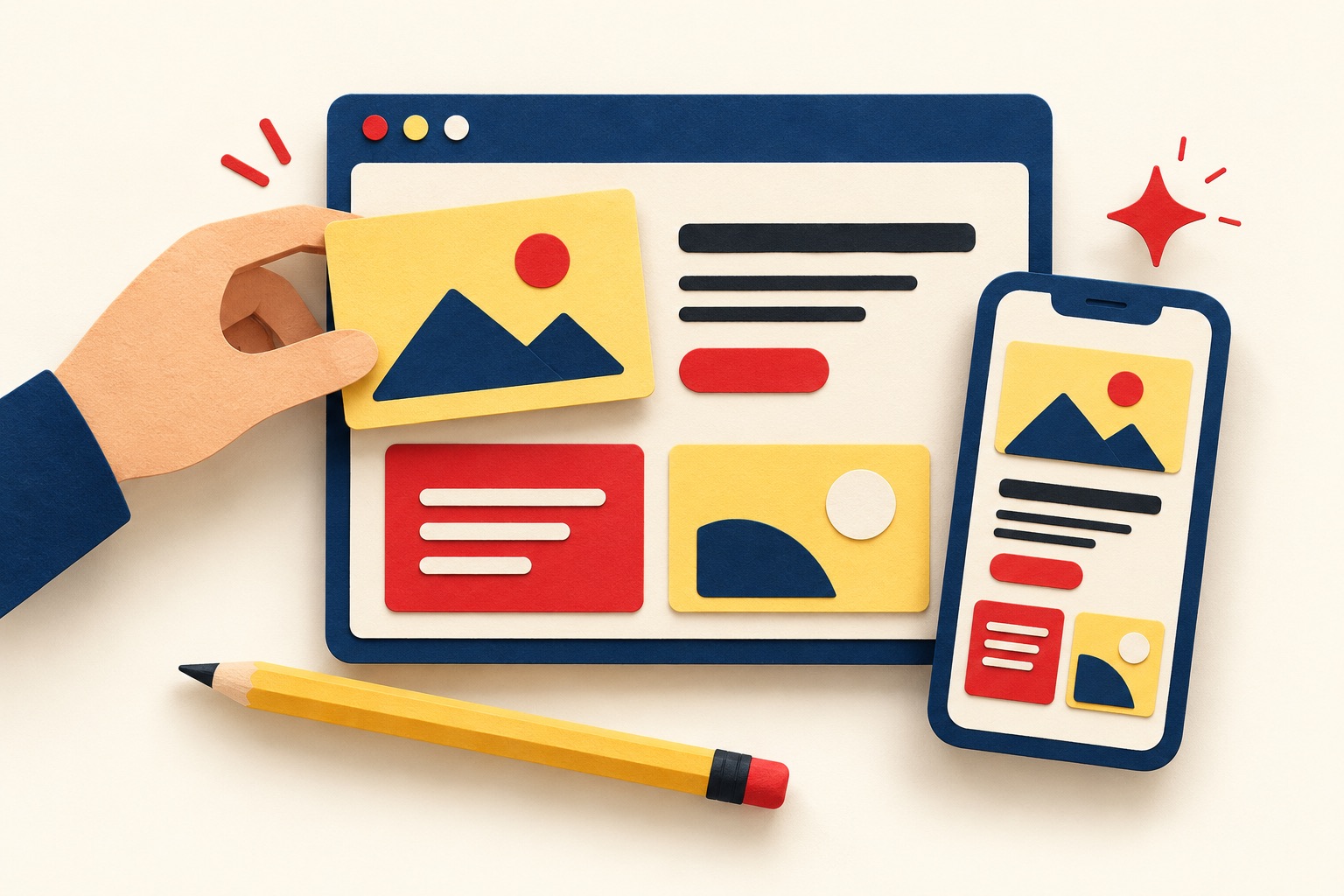
If you are searching for how to create a website, it is tempting to start by choosing a template. A website builder can help you assemble pages, and an AI website tool can suggest a first draft. But useful website design starts with a simpler question: what should a customer be able to do when they arrive?
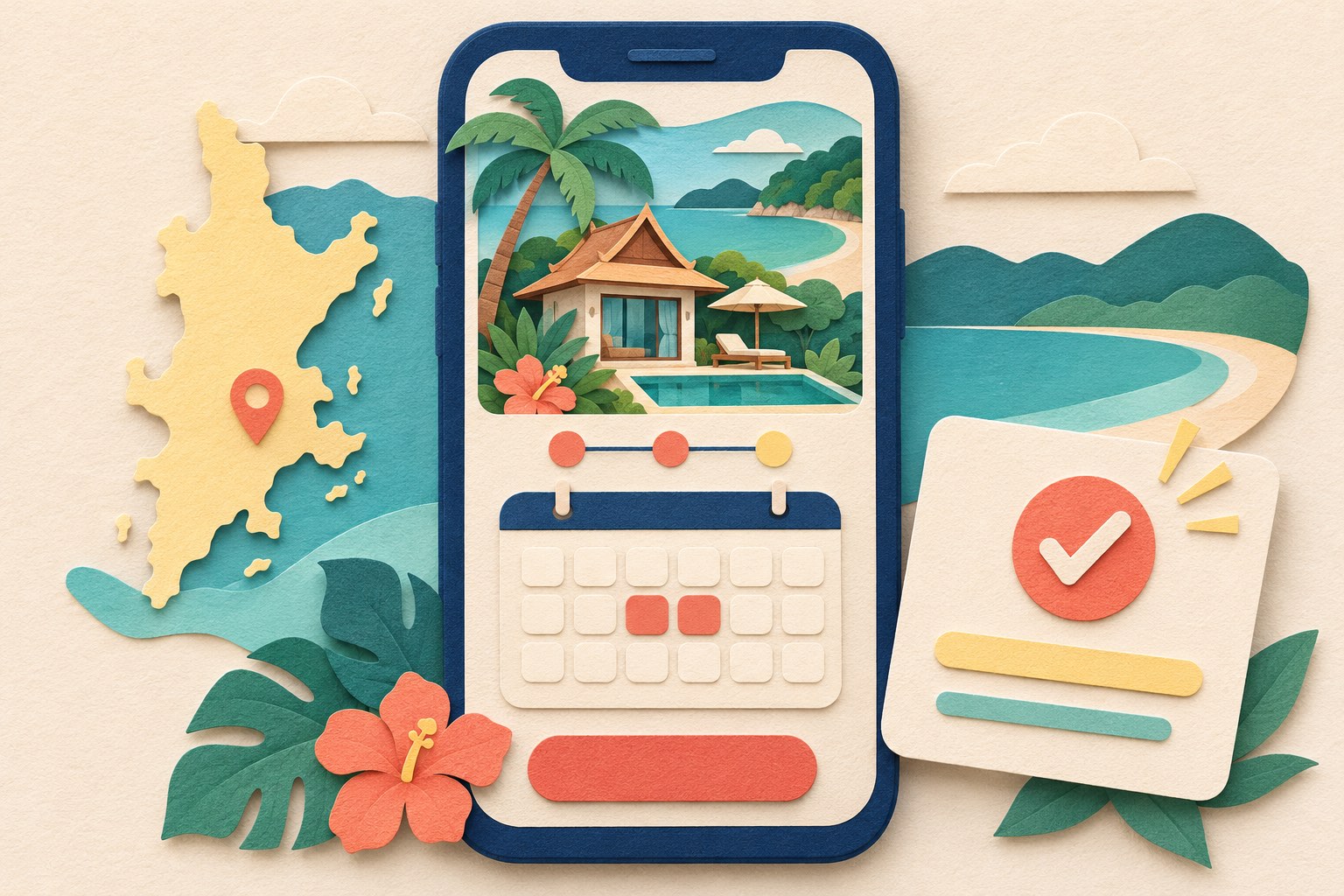
For a Phuket salon, that might be comparing treatments and requesting an appointment. For a local cleaning business, it might be checking coverage and asking for a quote. The right starting point is the task, not the technology. Here is a practical route from an empty page to a website you can confidently share.
1. Write the job of your website in one sentence
Try this: “Our website helps [customer] understand [offer] and take [next step].” A salon could write: “Our website helps visitors compare treatments and request an appointment with our team.” Keep the first version focused on that outcome.
Then list the questions someone needs answered: which treatments are available, approximate duration, how pricing works, where the salon is, and how to request a time. This becomes your content brief. MDN's website planning guide is a useful starting point for deciding what a site should offer before building it.
2. Understand the difference between a builder, AI and design
A website builder is a tool for making and managing pages
You usually start with templates or page sections and edit them in a visual interface. This can suit a small, straightforward site when someone has time to prepare the content and maintain it. Before committing, test a real task in the editor and check the current plan's limits, ongoing costs, domain options and export rules.
An AI website is often a starting draft, not a separate category
Many builders also include AI features. You describe your business and receive suggested pages, layouts or copy. For example, Wix describes an AI-assisted creation process with further customisation. Features vary by provider. A generated page is not evidence that a booking system, payment connection or enquiry process works.
Website design is the decision-making behind the experience
Design includes page structure, readable content, brand personality and the path to an action. You still need those decisions when using a builder. A designer or development team can help when your business has more specific requirements, but custom work is not automatically better. Compare the proposed outcome and handover, not just the method.
3. Prepare a small page plan and real content
For the salon example, start with Home, Treatments, About and Contact. Add a separate treatment page when it needs enough distinct information to be useful. You do not need dozens of pages to look established.
- Home: explain who you help, what you offer and where to go next.
- Treatments: provide useful descriptions, duration and accurate price or quote information.
- About: introduce the real team and relevant experience without invented claims.
- Contact: show the location, opening hours and the actual appointment process.
Gather your logo, business details and photographs before polishing the layout. If you need Thai and English, include the important service information and form messages in both languages. Avoid leaving one audience with only a translated menu.
4. Use AI for a draft, then make it your own
A useful prompt is specific: “Draft a treatment page for our Phuket salon. Use the service details below. Include who it is suitable for, duration and how to request an appointment. Do not invent prices, qualifications or reviews.” Supply facts you are allowed to share and remove unnecessary personal information.
Review every generated claim and replace generic paragraphs with details customers actually ask about. Check image rights and make sure pictures do not misrepresent your team, premises or results. Google's guidance on generative AI content emphasises adding value for users rather than producing pages at scale without useful original input. Using AI does not guarantee search visibility.
5. Design the mobile journey before the decoration
Open the draft on a phone and try to find a treatment, understand the price and request an appointment. Keep headings readable, buttons clear and the navigation short. Use your brand's colours consistently, but check that the text remains easy to read.
Choose button wording that matches what happens. If a staff member needs to confirm availability, “Request an appointment” is clearer than “Book instantly.” After submission, explain whether the request is pending and how the customer will hear back. That small piece of website design can prevent a real misunderstanding.
6. Check ownership, costs and the launch setup
A domain is the address people use to find you; hosting is the service that makes the website available. Some builders bundle hosting, while other setups need it arranged separately. Use a business-controlled account for your domain and agree who can renew it. MDN explains these basics in its publishing guide.
Ask for the total ongoing cost, including any required booking tools, email services or paid extensions. Check who can edit pages, how access is handed over, and what can be moved if you change platforms later. Confirm the relevant terms rather than assuming every website builder provides the same ownership or export options.
7. Test a complete customer task before you publish
Ask someone who did not build the site to use it on their own phone. Give them a task, not instructions: “Find a suitable treatment and request a Saturday appointment.” Watch where they hesitate.
- Check menus, phone links, maps and the main contact button.
- Send a real test enquiry and verify that the right person receives it.
- Try keyboard navigation and make sure form fields have understandable labels.
- Review Thai line breaks, spelling, business details and prices.
- Check images load, pages fit a small screen and no demo text remains.
- Give each important page a relevant title and description, then check links between pages.
After launch, review the questions customers still ask and improve the relevant pages. A website is easier to maintain when someone owns the content, account access and routine checks.
Choose the simplest approach that does the real job
A website builder may be enough for a straightforward first site. AI can help organise a draft. A design and development team can help connect the details when the customer journey is more demanding. These approaches can work together rather than compete.
If you want to see possible directions, explore our demo websites. For help turning an idea into a usable business website, see our website design service or tell END what your customers need to do. We can start with the goal and work back to the right scope.
Frequently asked questions
Can I create a website without knowing how to code?
Yes. A visual website builder can help you assemble and edit pages without writing code. You still need accurate content, a working customer journey and someone responsible for updates.
Is an AI website ready to publish immediately?
Treat the generated site as a draft. Review business claims and images, replace placeholders, and test forms, mobile pages and any booking or payment connections before publishing.
Do I still need website design if I use a builder?
Yes. Choosing what to show, how to organise it and what action comes next is website design. You can make those decisions yourself or work with a team when you need more support.