SEO-Friendly Web Design: A Practical Guide to Phuket SEO
Help the right customers find your Phuket business and take the next step. A practical guide to service pages, mobile design, bilingual content and local search.
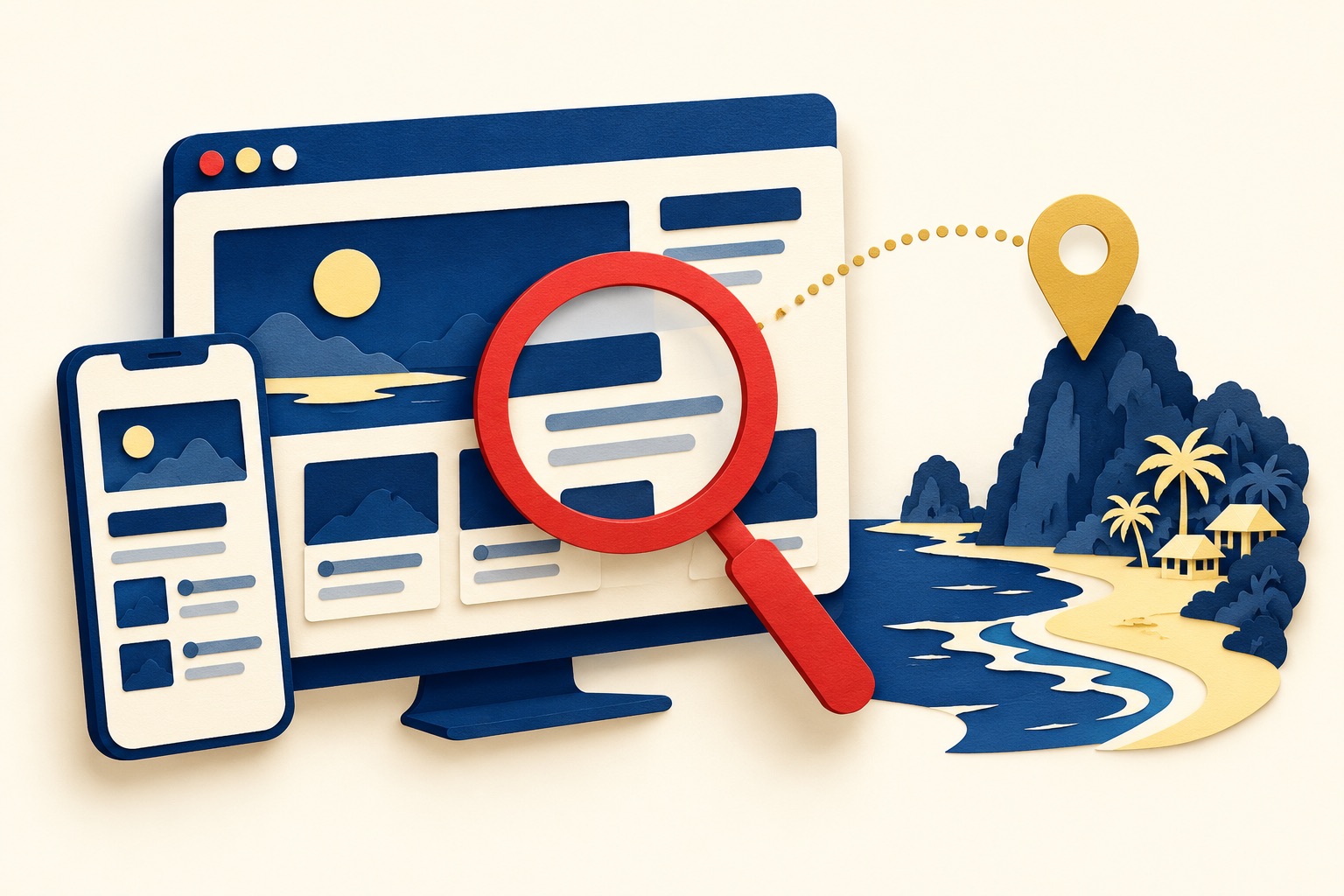
SEO-friendly web design should connect two jobs: helping people discover a relevant page and helping them use it. For a business planning Phuket SEO, that means more than adding the island's name to a homepage. Someone comparing a villa, a dive course or a local service needs clear answers before they are ready to contact you.
Imagine a visitor looking for a private boat trip with pickup from Rawai. Your homepage might look impressive, but a useful trip page should explain the departure point, pickup area, duration, inclusions and enquiry process. Design and content should make those answers easy to find.
1. Give each important service a useful destination
Start with the services customers actually compare. A diving business might need separate pages for beginner courses, certified-diver trips and private charters because each audience has different questions. Put the appropriate information together instead of making every visitor search through one long homepage.
For each page, write a brief covering who it is for, what is included, what it costs or how to request a quote, and the next step. Link to it from your navigation or another relevant page. Use a clear page title and descriptive headings. Google's SEO Starter Guide explains how understandable content and links help search engines discover and interpret pages.
2. Make local details genuinely helpful
Local information should remove uncertainty. A villa page could explain access, nearby facilities and check-in arrangements. A tour page could distinguish the meeting point from hotel pickup. A service business could state the areas it actually covers and how customers arrange a visit.
Avoid making near-identical pages for every Phuket neighbourhood just to repeat location keywords. Create an area page when you have distinct, accurate information worth publishing. A useful question is: would this page still help a customer if search engines did not exist?
3. Design the mobile enquiry before adding decoration
Try a complete task on your phone: open a service page, read the important details and submit an enquiry. Check that the menu is usable, text does not overlap, images stay inside the screen, and the enquiry button is easy to reach. Test the confirmation and delivery of the message too.
For a villa enquiry, dates and guest count may be more useful than a long generic questionnaire. For a maintenance quote, the website address and a short description of the problem might be enough to begin. Optimise large photos and avoid unnecessary scripts, but keep images and features that genuinely help someone decide. A performance score alone does not prove that the customer journey works.
4. Plan Thai and English as complete journeys
If you serve both audiences, translate the details customers need, not just the menu. Include service descriptions, prices or quote instructions, FAQs, form labels and confirmation messages. Review Thai headings with their tone marks on small screens.
Give translated pages their own URLs and ask your developer to connect the language versions correctly. Google's localized-page guidance describes how to indicate equivalent language versions. Keep the language switch on the corresponding service where possible, rather than sending people back to the homepage.
5. Treat Phuket SEO and Google Maps as connected, not identical
A website page and a Google Business Profile are different places to maintain. For an eligible business, keep profile details accurate and align them with the real business information on your site. Check opening hours, contact details and the location customers should actually visit.
Google explains that local results depend mainly on relevance, distance and prominence. A website redesign cannot remove distance as a factor or guarantee a Maps position. Use genuine photos and respond helpfully to customer feedback rather than treating profile maintenance as a keyword exercise.
6. Agree on a small launch checklist
Before approving the website, ask the team to demonstrate:
- Each important service has a clear page title, readable headings and a working internal link.
- Public pages intended for search are accessible without a login and are not accidentally marked to stay out of search.
- The sitemap opens correctly and contains the intended public URLs.
- Mobile forms, phone links and booking handoffs work with real test submissions.
- Thai and English content, images and contact details have been reviewed.
- Old URLs redirect to relevant replacements when a redesign changes them.
Submitting a sitemap helps discovery; it is not a promise of indexing or rankings. Keep a record of the pages and customer tasks you checked so future updates can be tested against the same list.
7. Measure useful visits, not just positions
After launch, compare Search Console queries and landing pages with actual enquiries or bookings. A page attracting visitors who want something you do not offer may need clearer content, even if traffic is increasing. Check whether messages reach the right person and whether your team can respond with the information customers need.
Start with one important service page and improve the whole journey. If you are choosing a team, read our guide to choosing a web design agency in Phuket. At END, we bring design and development together around that journey. Tell us about your website and the customers you want to reach, and we can discuss a practical starting point.
Frequently asked questions
What is SEO-friendly web design?
It combines understandable page structure and useful content with a website people can use. Clear service pages, internal links, readable mobile layouts and working enquiry journeys are practical starting points. It does not guarantee rankings.
Is Phuket SEO the same as Google Maps optimisation?
No. Website search visibility and a Google Business Profile require related but distinct work. An eligible business should maintain accurate profile information as well as useful website pages. Local results also depend on factors such as distance.
Should a Phuket business have Thai and English service pages?
Use the languages your customers need. If both matter, provide complete service information and enquiry steps in each language, with separate page URLs and a useful language switch. Review the translations before publishing.