Website Design and Development: From First Brief to Launch
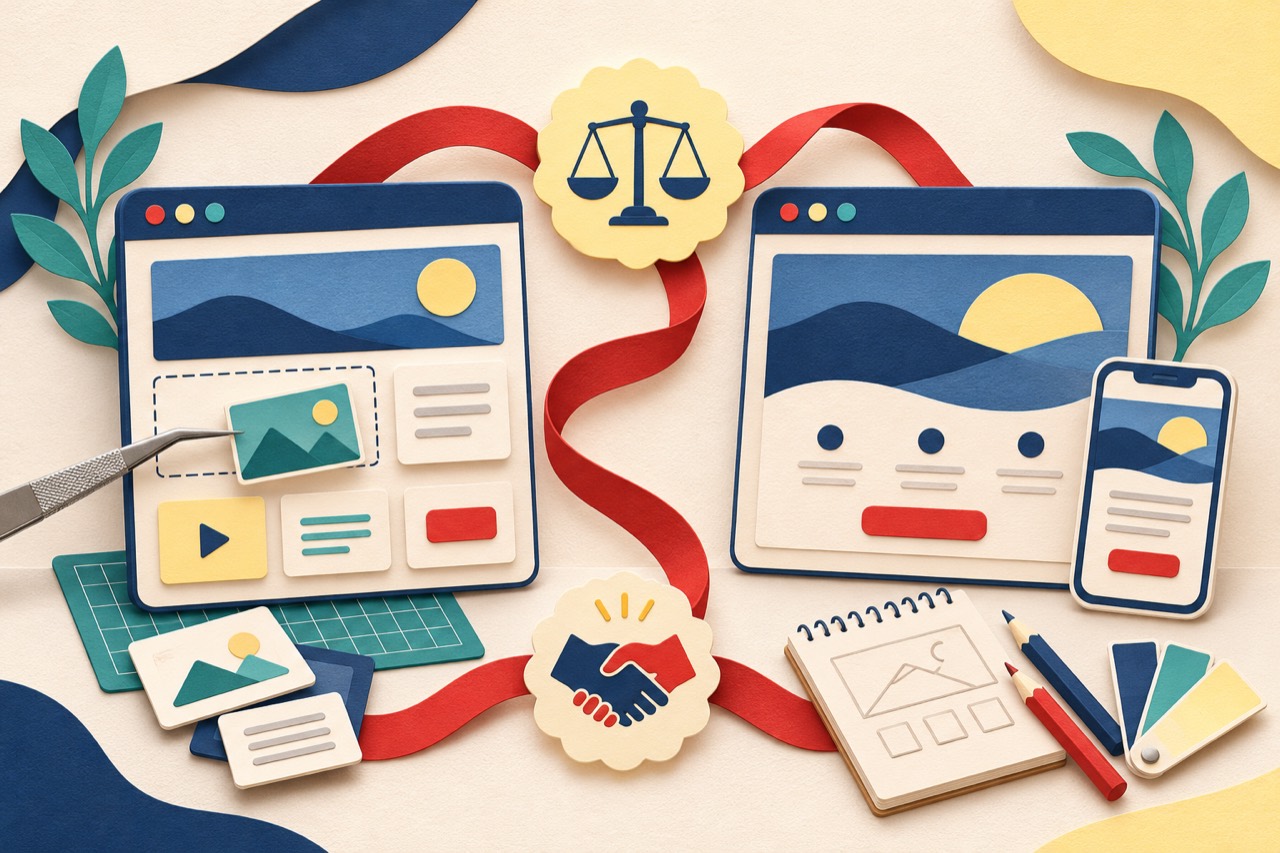
A good website needs more than a polished mockup. See how design and development work together to turn business goals into a useful, tested website.
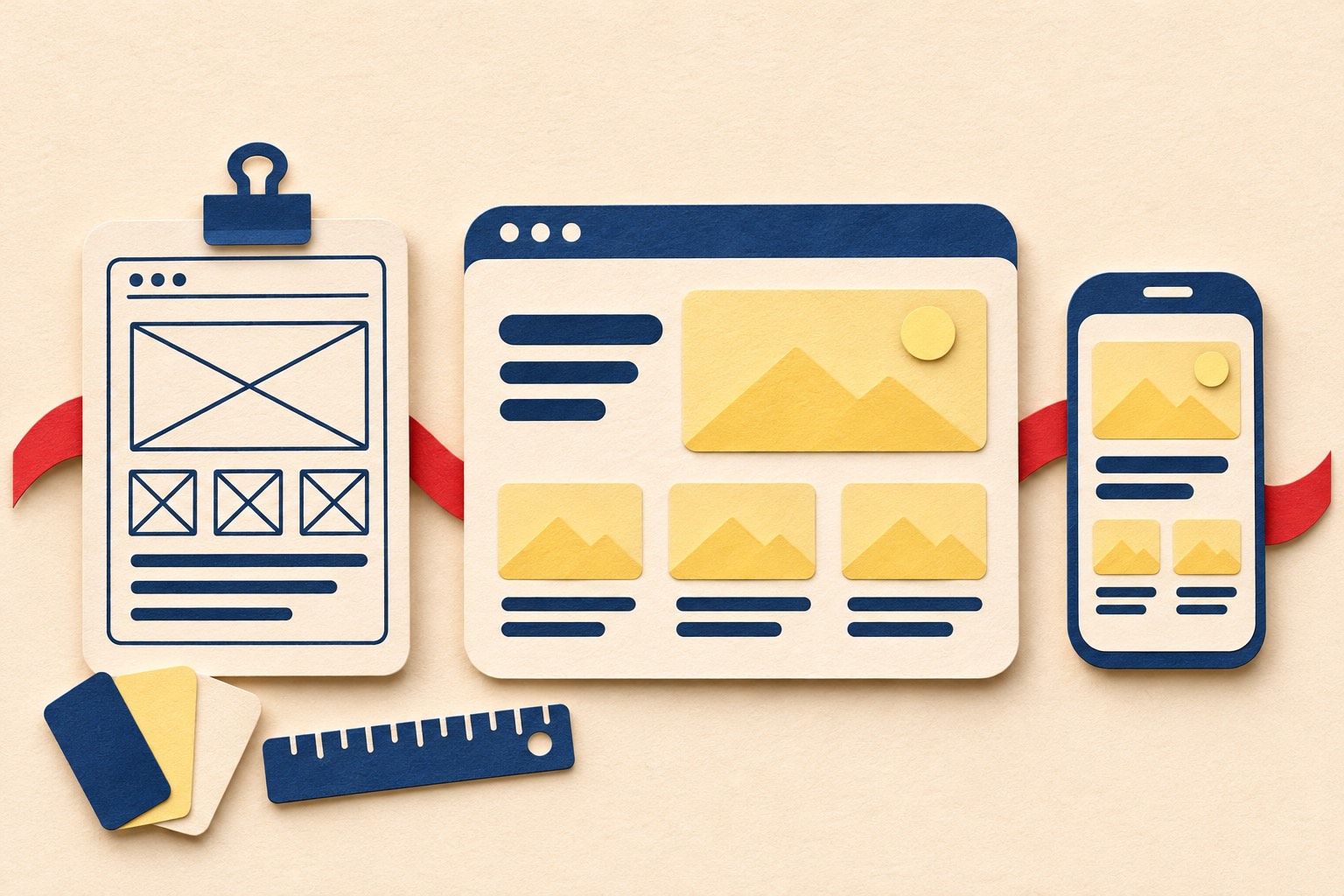
Website design and development are two connected parts of the same project. Design shapes how people understand and use the website. Development turns that plan into pages, interactions and systems that work in a browser. A successful project needs both, not a choice between looking good and working properly.
For a business owner, the useful question is not which discipline matters more. It is how the team will carry the same goal from the first brief through to launch. This guide explains the decisions worth discussing before you approve a homepage or start a build.
1. Start with the job the website must do
Choose a primary customer action: send an enquiry, request a booking, compare services or buy a product. Then identify what visitors need before they can take that step. A villa website might need room details, a location map and a clear availability enquiry. A service business might need scope, examples and a useful contact form.
Write down the intended audience, languages, important pages and required connections to other tools. Separate essentials from ideas that can wait. A short brief with clear priorities gives the design and development team something concrete to discuss.
2. Plan content before polishing the layout
Page structure and content should develop together. Real service names, photographs and descriptions reveal problems that short placeholder text can hide. If the website needs Thai and English, test representative content in both languages early.
Decide who provides each piece of content and who approves it. Confirm permissions for photographs, logos and testimonials. A page cannot be considered ready simply because its empty layout looks balanced. Missing content often changes the design and delays the build.
3. Design the journey, not only the first screen
A homepage introduces the business, but visitors also need clear navigation, readable service pages and understandable next steps. Review an entire journey from arrival to enquiry. Ask what happens when someone does not know which service to choose, opens the menu on a phone or wants to return to a previous page.
Mobile design is more than shrinking a desktop screenshot. Content may need to stack differently, navigation may change and image crops need attention. MDN's responsive design guide describes adapting layouts to different screen sizes and viewing conditions. Review how your real content behaves, not just how one device mockup looks.
4. Agree what development must deliver
A design file does not explain every working detail. Before building, agree how forms behave, which content your team can edit and how any booking, payment or customer-management connection will work. Identify subscriptions, provider accounts and ongoing costs separately from the build.
For example, a “Book now” button might open an external provider, submit a request for manual confirmation or complete an online reservation. These are different outcomes with different requirements. Write down the intended behaviour so nobody mistakes a visual button for a finished booking system.
Choose tools around those requirements and the people who will maintain the website. There is no need to add a complicated system for a simple information page, but a business-critical integration deserves proper planning.
5. Test customer tasks and failure states
Test the built website with realistic content on phones and desktops. Follow important links, navigate with a keyboard, check image crops and submit a controlled test enquiry. Confirm both that the visitor sees a useful message and that the enquiry reaches the intended destination.
Also test incomplete forms and unavailable services. The W3C guidance on form notifications stresses clear error instructions and confirmation of successful completion. “Something went wrong” is less useful than a message explaining what needs attention or offering another contact method.
Use approved test environments for bookings and payments where available. Record anything that could not be verified before launch. A screenshot or a good performance score alone does not prove that a customer can complete a task.
6. Treat launch and handover as part of the project
Before launch, confirm who controls the domain, hosting and connected accounts. List who is responsible for backups, updates, enquiries and urgent problems. If this replaces an existing website, plan how important old addresses will lead visitors to relevant new pages.
Ask for a practical editing walkthrough using your own content. Your team should know how to change routine information, who can publish updates and whom to contact when something breaks. The handover should also state what ongoing support covers and what needs a separate quote.
7. Review progress against the original goal
After launch, revisit the customer action from the brief. Look for broken journeys, questions customers keep asking and content that is difficult to maintain. Make changes based on observed problems rather than assuming every issue needs a full redesign.
Good website design and development connect the visual decisions, working features and day-to-day ownership. They do not guarantee traffic or sales, but they give your business a clearer foundation to build on.
Explore END's selected work and demo websites to discuss a direction. Our packages and pricing offer starting points; the final scope should confirm pages, languages, content and features. When you are ready, tell us what your website needs to do.
Frequently asked questions
What is the difference between website design and development?
Design plans the content hierarchy, appearance and user journey. Development builds the working pages and features. Both need to share the same business goals and be tested together.
What should I prepare before a website project starts?
Prepare the main customer action, audience, languages, important pages, existing content and required integrations. Identify who supplies content and who has authority to approve the work.
Is a finished design enough to launch a website?
No. The site still needs implementation, real content, task testing and launch checks. Confirm working forms and integrations, account access, editing instructions and ongoing responsibilities before handover.