WordPress and Elementor: Plan a Business Website Your Team Can Manage
Before building with WordPress and Elementor, plan your content, reusable layouts, ecommerce requirements, editing permissions, and maintenance responsibilities.
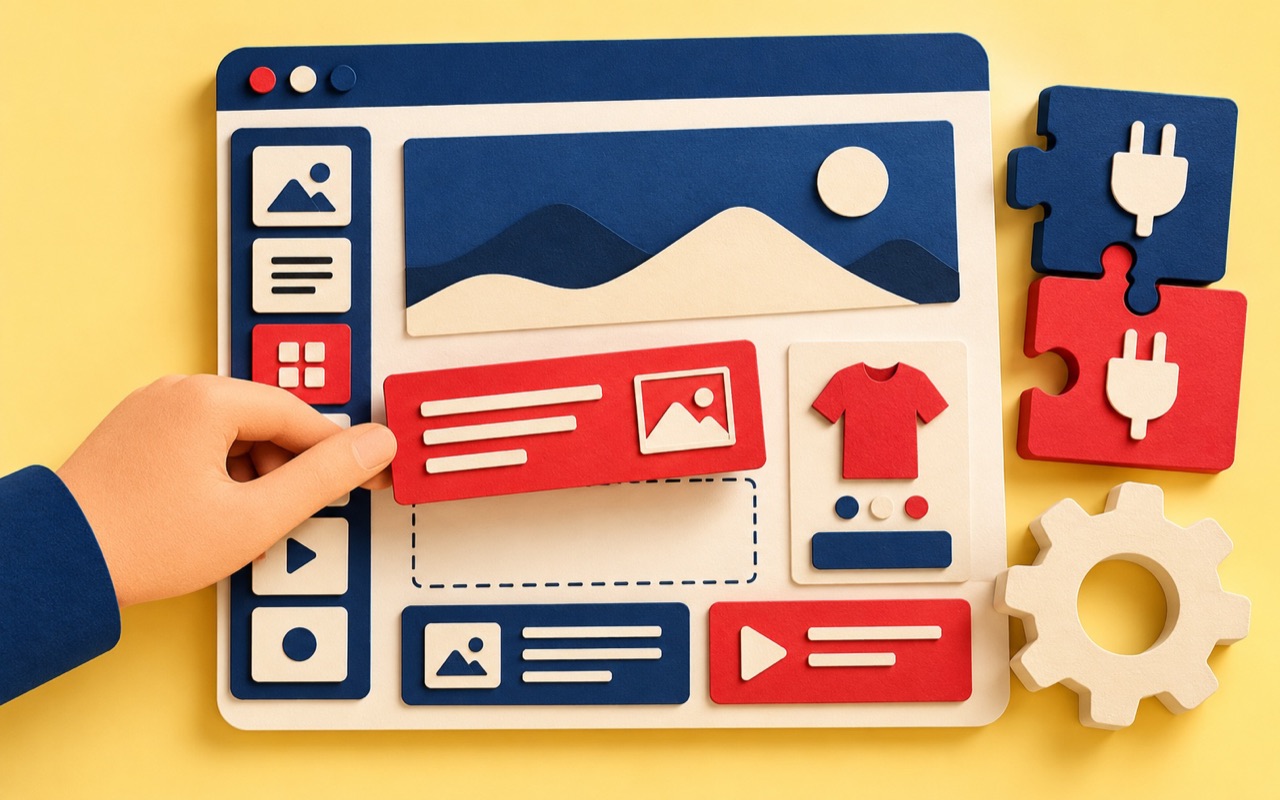
WordPress and Elementor can be a practical combination for a business website when the editing experience is planned as carefully as the public pages. The goal is not simply to launch a design. It is to give your team a website they can update confidently.
WordPress manages website content, while Elementor provides visual page-building tools within WordPress. Elementor's official overview explains how the two fit together. The right setup still depends on your content, integrations, and team.
Start with content types, not a plugin list
List what you publish: services, projects, articles, team profiles, or products. Identify which entries share a layout and which need a different structure. This prevents every update becoming a new design task.
For example, a project page might need a client name, summary, cover, gallery, and result. Decide which fields editors should change and which layout elements should remain consistent. Ask the developer to demonstrate the workflow using a real project.
Build a small reusable design system
Agree on typography, colours, spacing, buttons, forms, and a few repeatable page sections. Treat website templates as maintained starting points, not an unlimited collection of unrelated designs.
Check Thai and English headings, long menu labels, and mobile spacing before replicating a layout. Reusing a weak pattern spreads the problem across the website. Reusing a well-tested pattern makes future updates more predictable.
Define what an ecommerce website needs
Writing “online shop” in a brief is not enough. Describe product types, variants, inventory responsibilities, delivery areas, payment methods, and the messages customers receive. Confirm which store system and extensions will support each requirement.
A visual editor does not replace order management or payment configuration. Agree who sets up the checkout and who verifies a complete purchase journey. For WooCommerce, consult its test-order guidance and use an isolated staging setup with suitable sandbox payment settings. Test orders can affect notifications and reporting.
Keep the editing experience safe
Give people access appropriate to their work. A content editor should not need to change global layouts just to update an opening time. Provide a short guide covering the changes your team makes most often.
- Replace an image without losing its intended crop.
- Add an article or project using the agreed structure.
- Update a link or call to action.
- Preview Thai and English content on mobile.
- Recognise when a change needs developer help.
Agree on maintenance before launch
Record the hosting arrangement, backup process, update owner, and renewal costs. Check the current licence terms for any paid tools rather than assuming every feature is included indefinitely.
Keep extensions purposeful. Before adding one, identify the requirement it meets and who will maintain it. Test updates and recovery procedures on an appropriate non-production environment before relying on them.
Ask for a demonstration, not just screenshots
Before accepting the website development work, ask someone from your own team to complete a routine update. Then test the important customer journeys again. A successful handover makes both the public website and its editing tools usable.
Explore our website maintenance checklist or talk to END about your build with a list of the tasks your team needs to manage.
Frequently asked questions
Is Elementor the same as WordPress?
No. WordPress is the content management system. Elementor adds visual website-building tools within WordPress. Your project still needs decisions about hosting, content structure, integrations, and maintenance.
Can this setup be used for an ecommerce website?
It can be part of a store setup, but the commerce platform, payment integrations, product requirements, and editing features must be assessed separately. Test a complete order journey before launch.
What should a WordPress handover include?
Include account access, licence and renewal records, editing instructions, backups, update responsibilities, and a demonstration of routine content changes by your team.