Best Website Builder for Small Business: How to Choose
Choose a website builder around your customers, editing needs, and running costs. Use this practical checklist before committing to a platform.

The best website builder for small business is the one your team can maintain and your customers can use easily. A simple enquiry website, a hotel booking site, and an online shop need different tools. Start with the task the site must complete, then evaluate the platform.
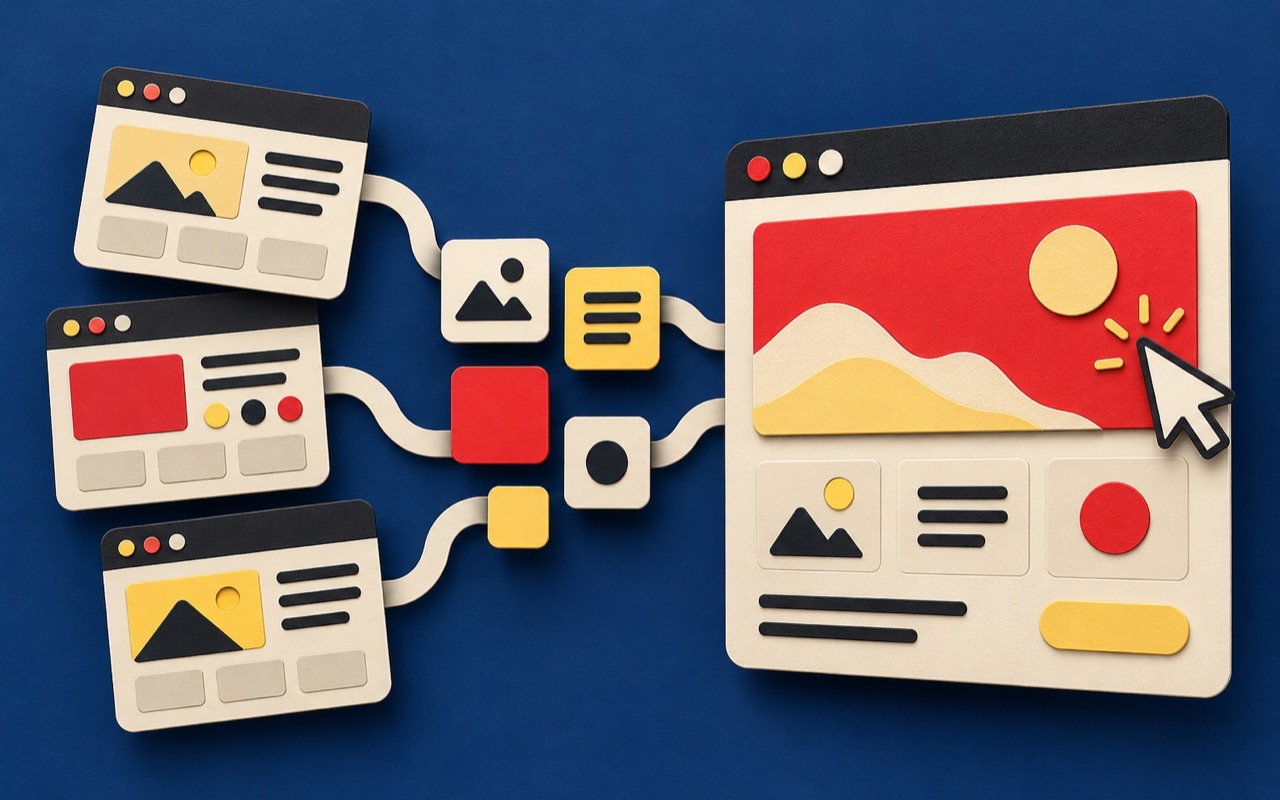
A website builder, sometimes called a website creator, lets you assemble and publish pages through an editor. It can reduce setup work, but you still need clear content, sensible navigation, and a reliable way for visitors to contact you or buy.
Start with one customer journey
Write down what happens between a visitor arriving and completing your most important action. A local consultancy might need service details, proof of experience, and a short enquiry form. A retailer needs categories, product information, a basket, payment, and order confirmation.
Turn that journey into a checklist. Separate launch requirements from features that can wait. This prevents an attractive template from driving decisions that should come from the business.
Match the website creator to your business
For an owner who needs to edit pages without managing hosting separately, a hosted visual builder is worth testing. Wix describes its business website tools around publishing and business functions. For a business focused on selling products, Shopify offers a commerce-focused website builder. Treat those as categories to evaluate, rather than a universal ranking.
A managed WordPress site may suit a team that needs a flexible content structure and can arrange updates and maintenance. A custom build becomes worth discussing when the customer journey depends on integrations or workflows that standard tools cannot support cleanly.
Test these six things before paying
- Editing: Can the actual person maintaining the site change a heading, image, menu, and service page without help?
- Mobile use: Test navigation, forms, and checkout on a real phone, including long names and error messages.
- Search controls: Check page titles, descriptions, URL editing, redirects, sitemap access, and whether important content is readable by search engines.
- Business tools: Confirm your payment methods, booking system, delivery rules, analytics, and CRM connection work on the intended plan and in your market.
- Languages: Preview Thai and English layouts with real content. Check language switching and how translated pages are managed.
- Ownership: Confirm who controls the domain, billing, admin access, backups, and exportable content.
Compare running costs, not the headline price
List the subscription, domain renewal, paid apps, payment fees, content work, and support you expect over a year. Check which features require a higher plan. Current prices and availability change, so verify them directly before purchasing.
Include staff time. A lower subscription can become expensive if routine edits require workarounds or outside help. Equally, a custom system is unnecessary if a standard builder already handles the job well.
Run a small trial with real content
Build one service or product page, one contact form, and the mobile navigation before committing. Ask someone unfamiliar with your business to find a price, answer a practical question, and complete the main action. Record where they hesitate.
If the trial exposes problems with structure or messaging, changing platform alone will not solve them. Our website strategy service helps define the journey before design and development begin. For budget planning, read our guide to website costs in Thailand.
Frequently asked questions
What is the best website builder for a small business?
There is no single best option for every business. Choose based on the customer journey, editing skills, required integrations, total running costs, and who will maintain the site.
Is a website creator enough for a professional business website?
It can be, when the platform supports your requirements. Professional results also depend on useful content, clear design, accessible interactions, and proper testing.
Can a website builder help with SEO?
A builder can provide the controls needed for SEO, but it does not guarantee rankings. Check crawlability, page metadata, useful content, mobile usability, and performance.