Website Templates vs Custom Design: Choose the Right Starting Point
A template can speed up a simple launch. Custom design can solve needs a preset layout cannot. Learn what to test before choosing either approach.
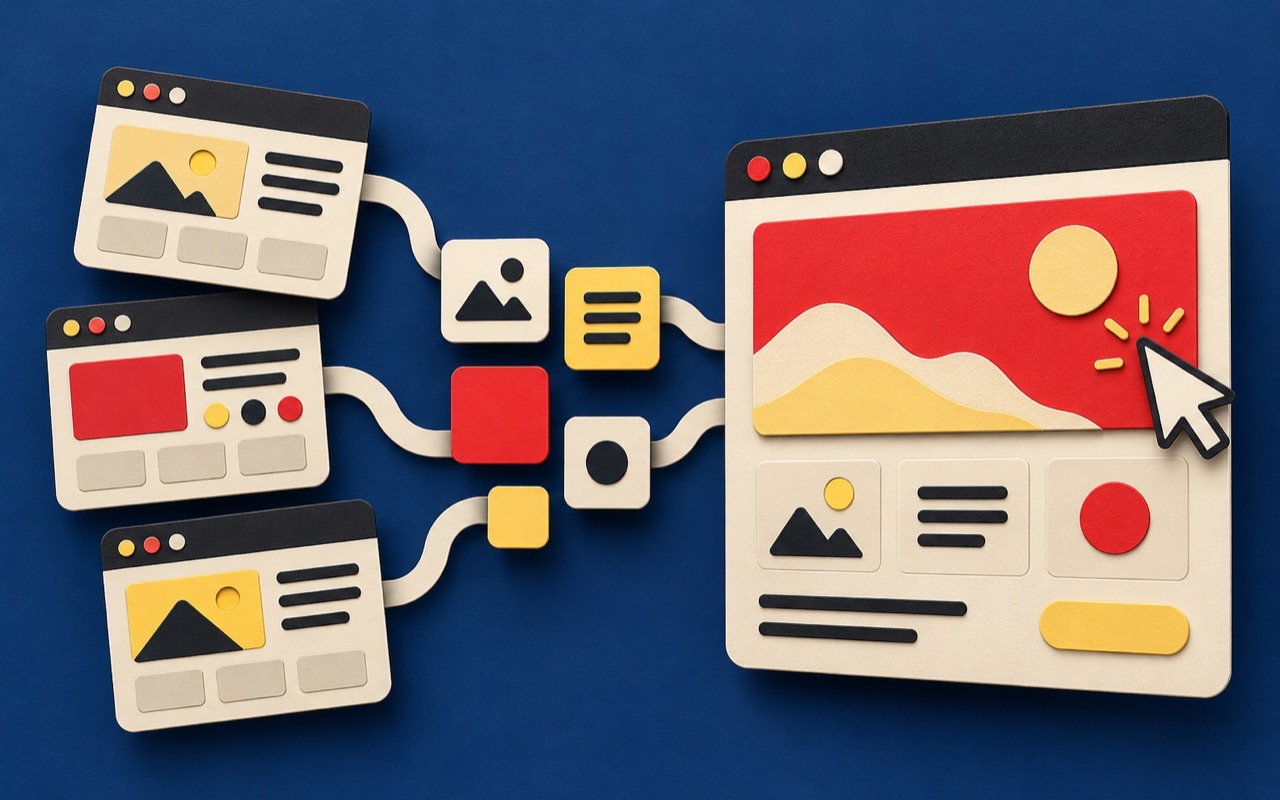
Website templates offer a useful starting point, but the right choice depends on what your website needs to do. A small service business with straightforward content has different requirements from an ecommerce website with product variants, delivery rules, and repeat customers.
Before choosing a visual style, list the information visitors need and the action you want them to take. Then compare a template against those requirements, not just against its demo.
A website builder and a template are different decisions
A website builder is the tool used to create and manage pages. A template is a starting layout or collection of layouts. You can adapt a template extensively, and a custom design can still be built with a visual editor. These are not simply cheap versus expensive options.
Separate the platform decision from the design decision. First check whether the platform supports your editing and integration needs. Then decide how much of the layout can be reused without compromising the customer journey.
When website templates make sense
A template is worth considering when your pages follow familiar patterns, your branding is already clear, and the project needs a focused launch. It can reduce repeated layout work, provided your actual content fits.
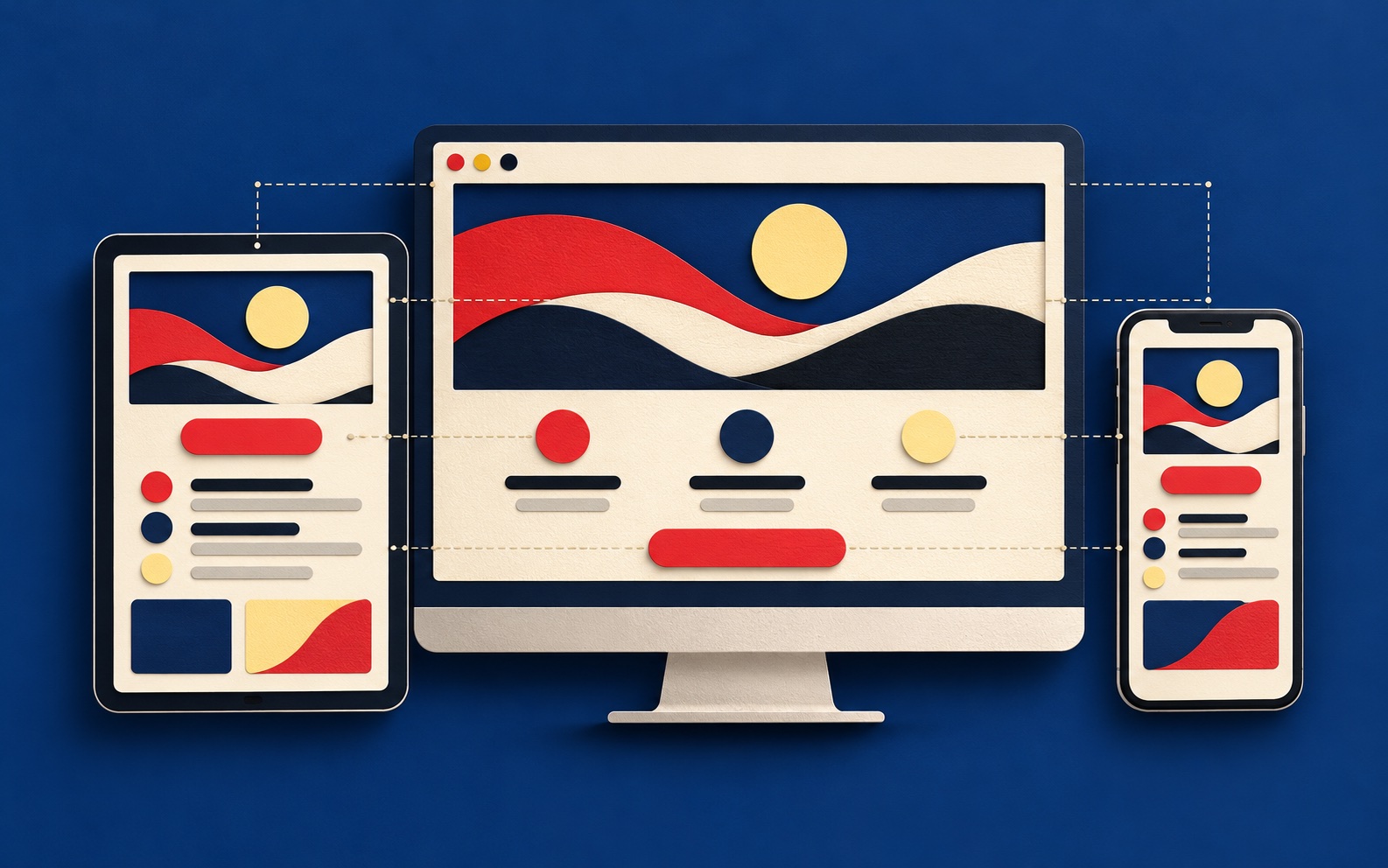
Replace the demo copy and images before approving the direction. A short sample heading can look elegant while a real Thai service title wraps awkwardly. Test long names, missing images, multiple languages, and the smallest screen your customers commonly use.
When custom design earns its place
Custom design becomes useful when a standard layout repeatedly forces you to change important content or interactions. Examples include comparing technical services, guiding visitors through a booking decision, or presenting a distinctive product range.
Define the specific problem the custom work solves. A unique animation is not automatically more useful than a clear product explanation. Invest in the pages and journeys that affect the business, while reusing straightforward patterns elsewhere.
For an ecommerce website, test the whole purchase
A polished storefront demo does not prove your store is ready. Check product options, stock messages, cart editing, delivery information, payment errors, and order confirmation. Confirm that the selected platform and integrations support the way your business actually sells.
Use a realistic sample product with its real images and descriptions. Ask how your team will add another product, change a price, or update delivery information without breaking the layout.
Compare the complete website development scope
- Content: who writes, translates, and enters it?
- Mobile: are navigation, forms, and long headings tested?
- Search: who handles page titles, redirects, and sitemap checks?
- Editing: can your team maintain the layouts safely?
- Costs: what renews, and what needs a separate licence?
- Handover: who owns the accounts and receives documentation?
A template-based build can be thoughtfully designed. A custom build can still be difficult to operate. Judge the proposed outcome, the maintenance burden, and the evidence behind the recommendation.
Read our small-business website builder guide for platform considerations, or share your website brief with END to discuss the right starting point.
Frequently asked questions
Are website templates bad for SEO?
A template alone does not determine search performance. Check the finished content, crawlable pages, metadata, mobile usability, and loading behaviour. Neither a template nor custom design guarantees rankings.
Can a website builder produce a custom design?
Yes, depending on its capabilities. A visual editor can implement a custom layout, but integrations and editing requirements should be checked before selecting the platform.
What should I test before buying a template?
Test real content, long headings, mobile navigation, forms, language layouts, editing workflows, and any required purchase or booking journey. Check licence and renewal conditions too.