Accessible Web Design Is Better Design for Everyone
Accessibility removes barriers, and usually makes a website clearer, faster, and easier for every visitor to use.
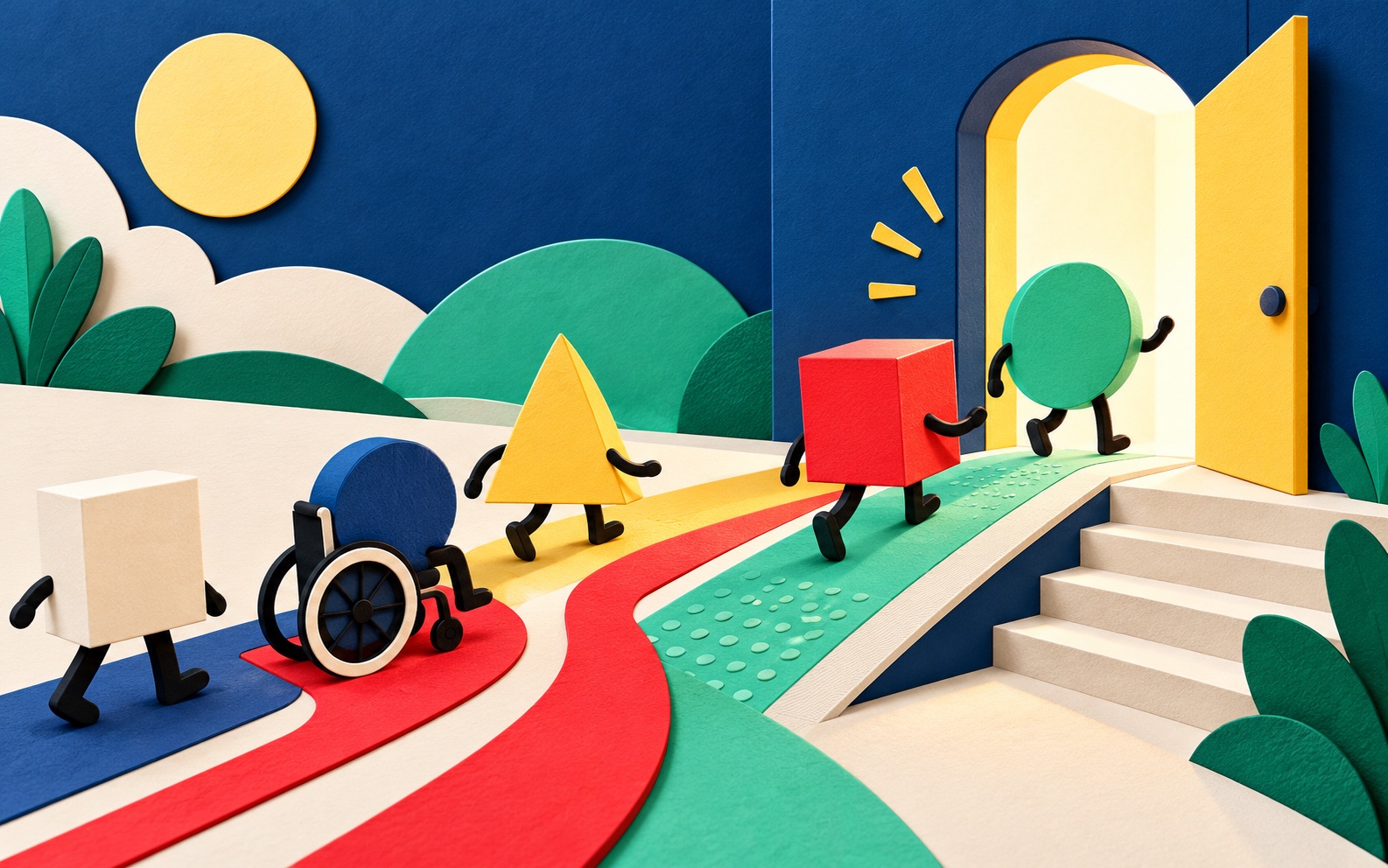
Accessible web design means creating digital experiences that more people can perceive, understand, navigate, and use. It supports people with permanent disabilities, but its benefits reach much further: someone using a phone in bright sunlight, recovering from an injury, watching without sound, or navigating on a slow connection.
Accessibility is not a final checklist applied after design. It is a quality of the decisions made throughout content, design, and development.
Begin with clear structure
Semantic headings, landmarks, lists, buttons, and links give a page meaning beyond its appearance. They help assistive technology describe the interface and make the content easier for everyone to scan.
Keep heading levels logical, use buttons for actions, use links for destinations, and make link text meaningful outside its surrounding sentence.
Use colour with enough contrast
Text and important interface elements need sufficient contrast against their backgrounds. Do not rely on colour alone to communicate an error, status, or selected state. Add a label, icon, pattern, or another visible cue.
Make every interaction work from a keyboard
A visitor should be able to reach interactive elements in a logical order, understand where focus is, and operate menus, dialogs, forms, and controls without a mouse. Visible focus styles are an essential part of the design, not an ugly browser default to remove.
Write helpful alternatives for media
Meaningful images need concise alternative text that explains their purpose in context. Decorative images can use an empty alternative so they do not create noise. Video should include captions, and important audio information should have a text equivalent.
Design forms that explain themselves
Every input needs a persistent label. Instructions should appear before they are needed, and errors should explain what happened and how to fix it. Group related controls, preserve entered information after an error, and never use placeholder text as the only label.
Give people control over motion
Animation can add character and explain change, but it should not block content or trigger discomfort. Respect reduced-motion preferences, avoid rapid flashing, and give users control over auto-playing or moving content.
Accessible design is not a constraint on creativity. It is a standard for making creativity usable.
Test with people and tools
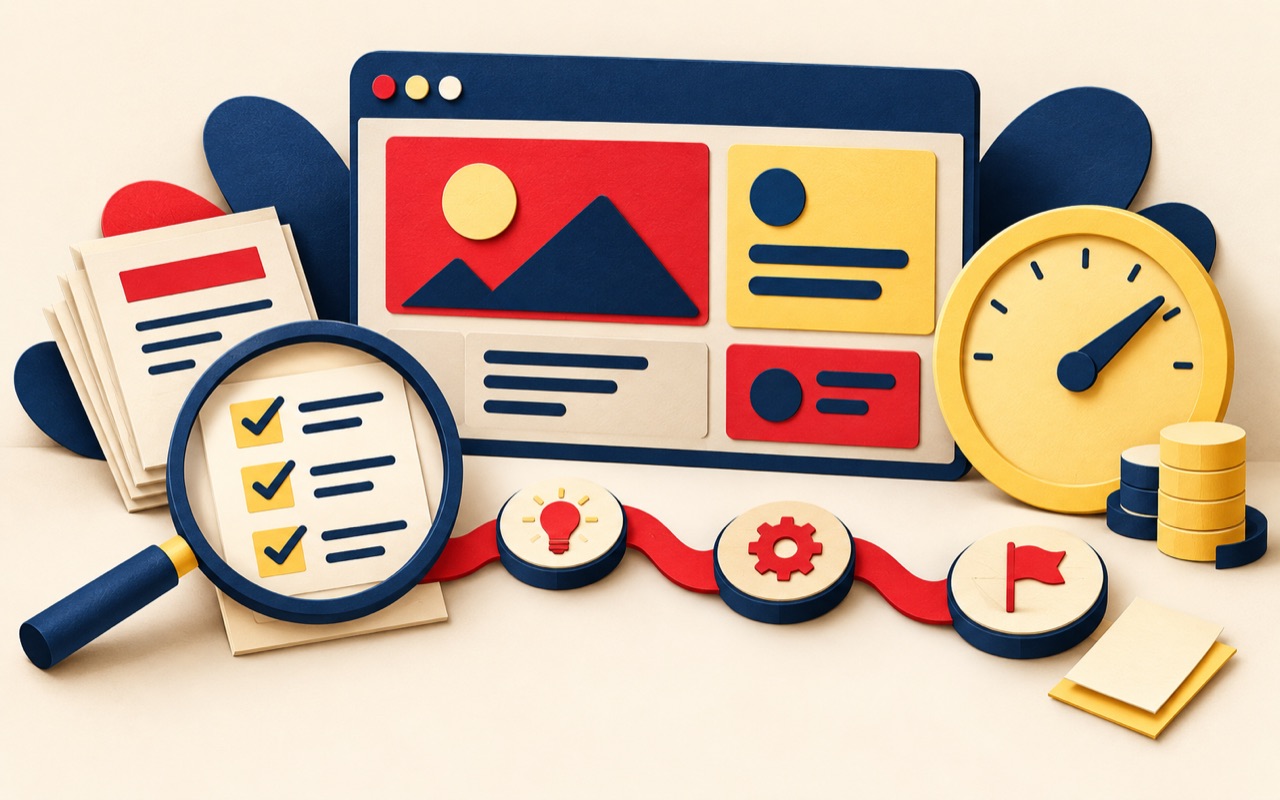
Automated tools can catch missing labels, contrast problems, and structural errors, but they cannot tell you whether a journey makes sense. Combine automated checks with keyboard testing, screen-reader testing, zoom, different viewport sizes, and feedback from disabled users whenever possible.
Make accessibility part of the system
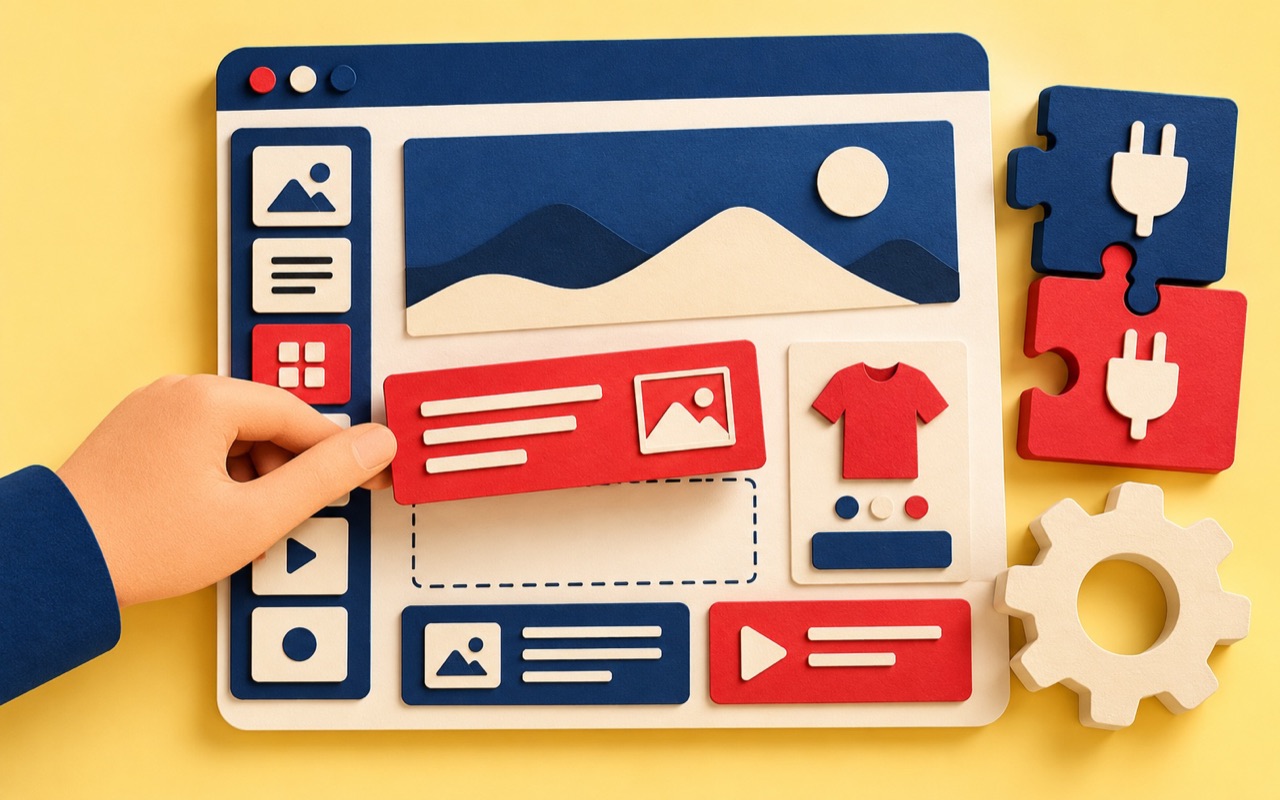
Reusable components, content guidelines, and acceptance criteria prevent the same barriers from returning. When accessibility is built into the design system and publishing workflow, it becomes normal practice rather than emergency repair.
Frequently asked questions
Is accessibility only for people with disabilities?
No. It is essential for disabled people and also helps anyone facing temporary, situational, technical, or environmental barriers.
Can an existing website be made accessible?
Yes. Start with an audit, prioritise critical journeys and severe barriers, fix reusable components, and create a plan for ongoing content and development.
Do automated accessibility tests find every issue?
No. They are useful, but manual keyboard, screen-reader, zoom, content, and usability testing are also needed.